3DWayInteractive design preview

Visual references for 3D artists

Find references.
Start creating.

Explore AI-generated concepts reviewed by 3D artists. Find the forms, materials and details that move your next project forward.

Try

Free to explore during beta. Sign in when you find something to keep.

Treadwheel harbor craneExplore the harbor collection

Start with a direction

A harbor.
A hundred possibilities.

Explore the architecture, boats and working details that could shape your own scene.

Explore all 6 references

Six approved concepts from the 3DWay library. Related ideas, not matching views of one object.

Made with AI.
Chosen by artists.

A useful starting point.
Room for your own ideas.

Our 3D artists review the generated references before they enter the library. You explore the shapes and details, and decide what belongs in your work.

Concept references for creative exploration.

From inspiration to a project

Keep the ideas
that belong together.

Save a reference. Build your collection.
Share the direction with a link.

One Library for concept images and rendered-model videos.
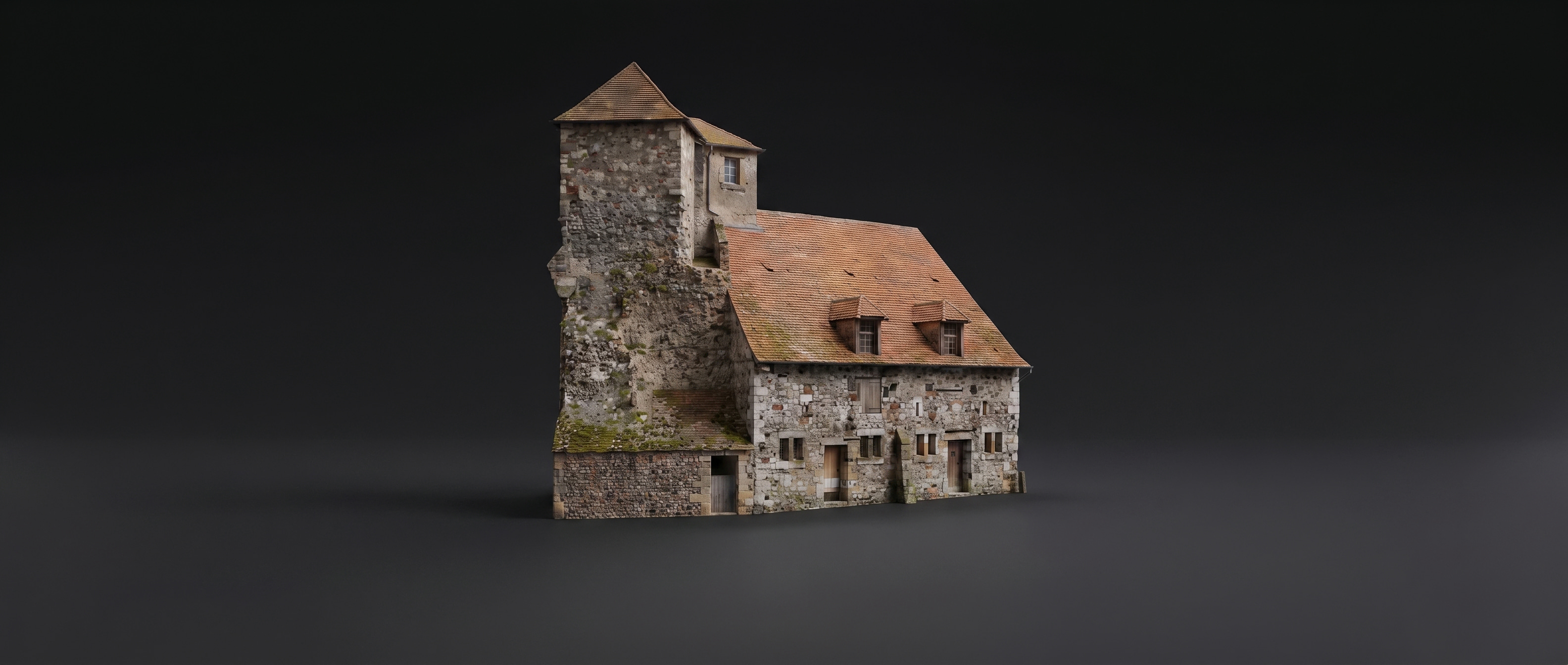
Medieval harbor6 references
Harbor warehouse concept
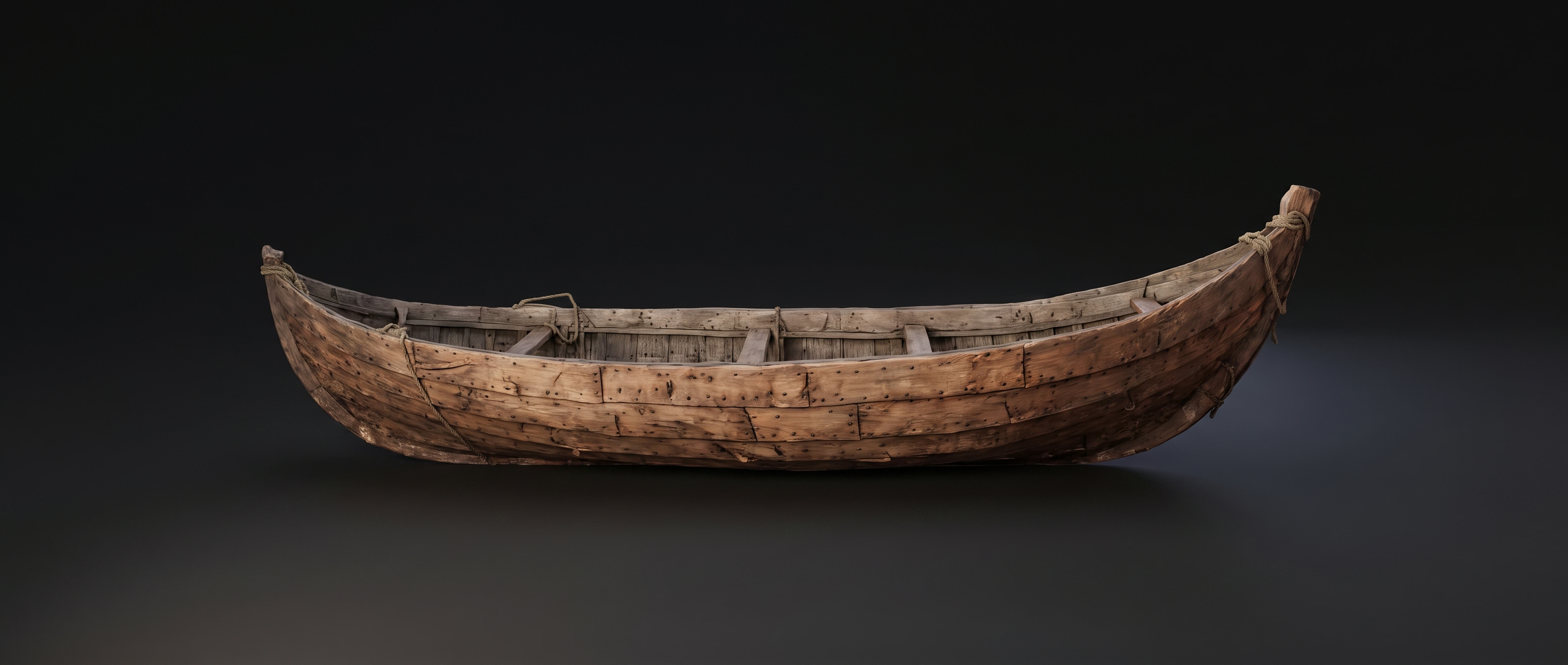
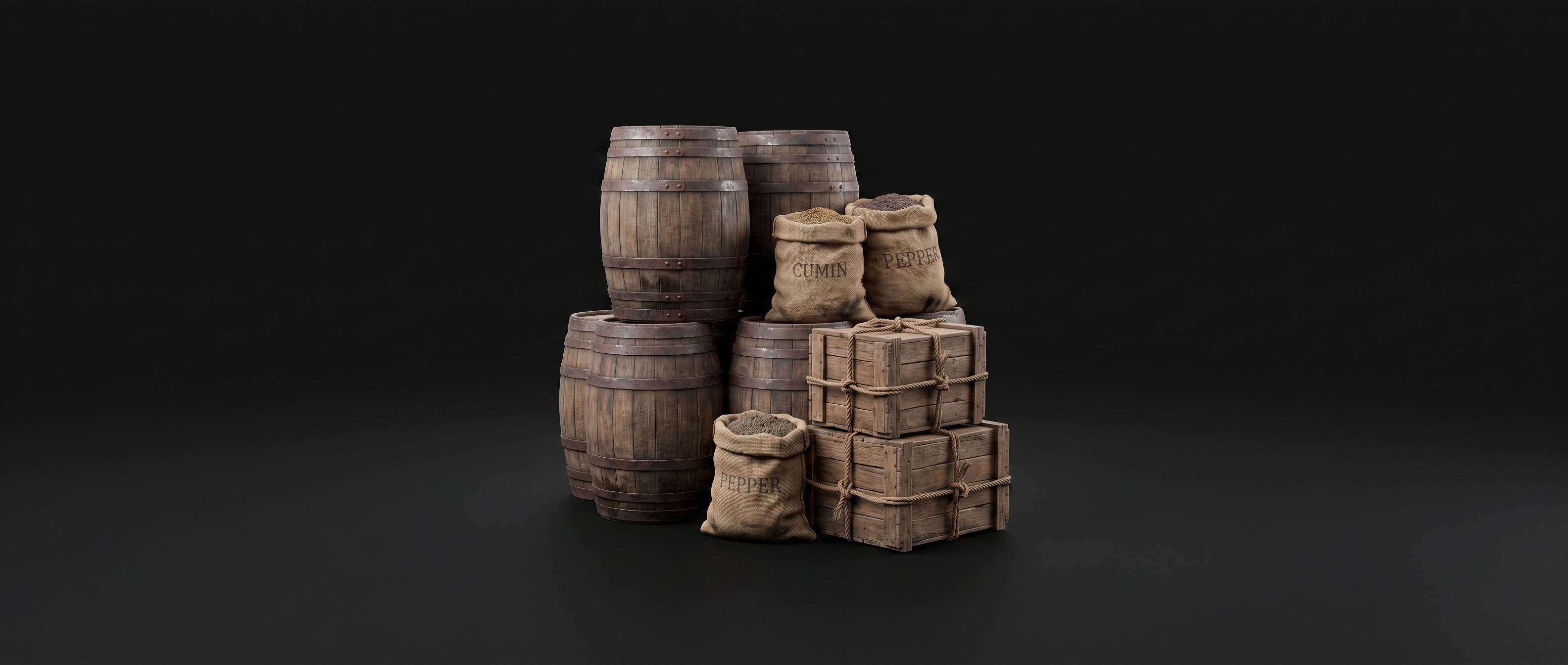
Wooden boat conceptHarbor cargo concepts

Your next idea
might be new to us.

Search what’s ready now. If your brief isn’t covered, request new references. We confirm the scope and timing before accepting it.

A few things
worth knowing.

What is free?

The proposed beta offers free discovery, saving and sharing. Requests for new references depend on review capacity. Scoped paid requests can be introduced once costs and demand are understood.

Are these images AI-generated?

Yes. The six concept images shown here were AI-generated and approved by a 3DWay artist. Rendered-model videos are a different content type in the same Library.

Does a reference include a 3D model?

A concept image is visual inspiration. A rendered-model video shows 3D work. Neither by itself promises a downloadable model or verified construction detail.

When will a requested collection be ready?

The proposed flow confirms timing when a request is accepted. Artist review comes before delivery. This preview demonstrates the steps; it does not generate references or send email.

Library

Designer handoff

One Library.
A complete journey.

Find something useful. Keep it. Build a collection. Share it. Come back to the project.

DiscoverSearchSaveSign inCollectShare & return

Try the whole journey

Search “harbour crane,” open a reference and press Save. Close the Account popup to test cancellation, or choose a demo sign-in method to finish the save. Create a collection from Library, add references, then enable a share link. Open that link in a different browser to see the recipient view.

One product, familiar controls

No Home or store. Library holds saved references, bookmarked collections, personal projects and requests. Keep the visual canvas and floating dock. Images and rendered-model videos share the same collection system; this sample contains six real concept images only.

Authentication follows intent

Guests explore freely. Saving opens the existing style of Account popup with a contextual reason. Sign-in completes the save once and preserves the selected reference. Closing the popup cancels that action. Requests still require explicit submission after authentication.

Save is not copy

Save reference keeps an item. Save collection bookmarks the source. Make a copy creates an editable personal collection. Sharing gives viewers a collection link; viewing never silently saves it to their Library.

The empty-search branch

Exact and related results are distinguished. A query does not start generation. An explicit request has received, accepted, review and ready states, with a direct collection link in the delivery email.

Return to useful work

Recent collections and the last search make the next visit useful. Requested-content email links to its collection. Optional updates should be relevant to projects, not generic reminders to visit.

The launch offer

Free beta browsing, saving and sharing. Capacity-limited requests. Test paid scoped requests after measuring production and review costs. Keep the old rendering subscription out of this discovery funnel.

Measure the full conversion

Search to save; popup to authentication to successful save; first useful collection; shared visitor to first save; and 7- / 28-day return to a collection.

Production connections still required

Connect the real catalog, search relevance, account providers, server-side collections, access controls, request queue and email delivery. Use stable item IDs, collection memberships and portrait/landscape variants of one asset. Preserve the chosen action through authentication and handle cancellation, retries and duplicate callbacks.

What this preview does

Searches six approved assets, simulates account states, stores demo collections in this browser, and shares snapshots of selected sample references in links. It requests no credentials and sends no generation jobs or emails. Links are snapshots; production links should reflect the collection’s current content and permissions.